 Dailies
A habit tracker for your desktop: Mac, Windows and Linux
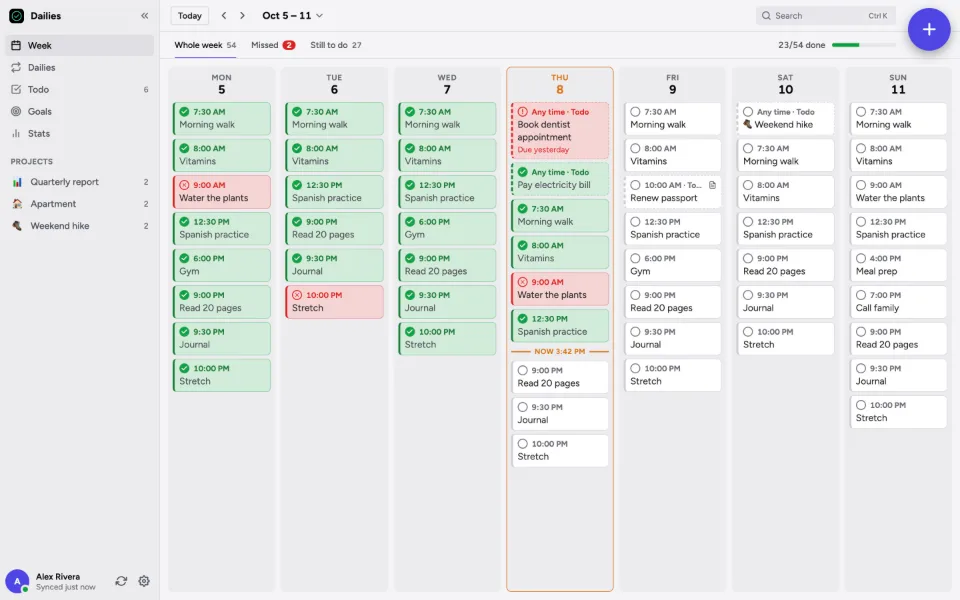
Your routine lives where you work. The Dailies desktop app sits in the tray with what's left today, nudges you when something's due, and syncs with the web app.
What the desktop app adds
- A tray icon that shows what's left today
- An alert when something is due
- Starts at login if you want it to (Settings, Notifications, or the tray menu)
- Works offline and syncs when you're back online
- Keyboard shortcuts: arrow keys flip the week, Ctrl+K searches
- Right-click menus on every card and row
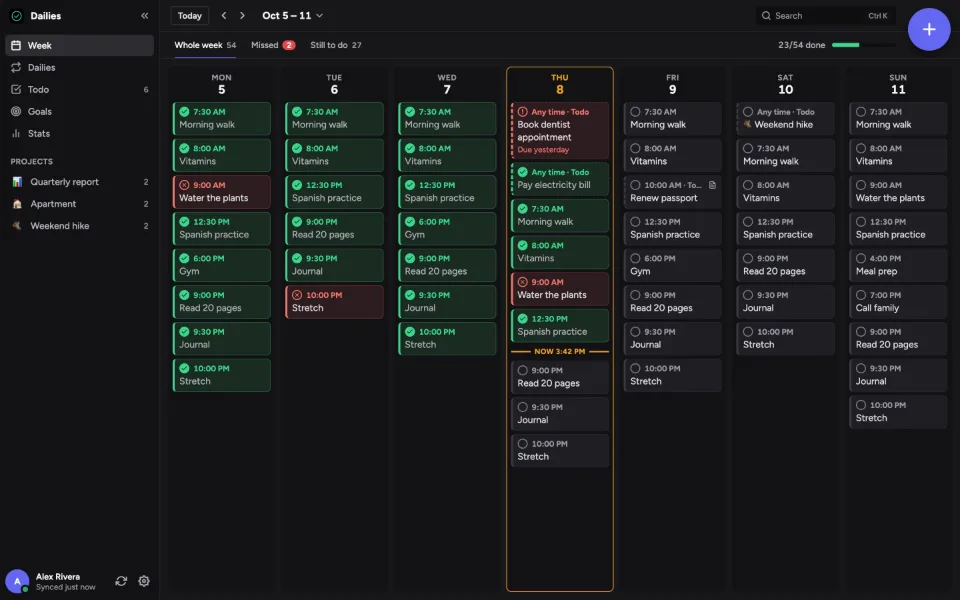
It's the same Dailies as the web app, with the same week board, dailies, todos, goals, stats and private diary, and your data syncs between them.
macOS
One download for Apple silicon and Intel Macs. This is a preview build that isn't signed by Apple yet, so the first time you open it, go to System Settings → Privacy & Security and click Open Anyway. When a new version is out, Dailies tells you and links to the download.
Windows
For Windows 10 and 11, 64-bit. The preview installer isn't signed yet, so if SmartScreen appears, click More info, then Run anyway. Updates download in the background and install when you quit or choose Restart to update.
Linux
A .deb package for Ubuntu, Debian and other Debian-based distributions, 64-bit. Open it with your software installer, or run:
sudo apt install ./dailies-app_amd64.deb
Dailies installs to /opt/Dailies and starts from your applications menu or with the dailies-app command. It adds the Hello Dailies package source, so new versions come with your system updates (Software Updater or sudo apt upgrade); Dailies then offers Restart to update. It can also download a new version itself: choose Restart to update and enter your password to install it.
Get the downloads for Mac, Windows and Linux
Or use it in your browser
Rather not install anything? The web app at app.hellodailies.com has everything, and switches to a phone layout in mobile browsers. An iPhone app is coming to the App Store. Read more about tracking habits on a week board or planning a daily routine.
More about Dailies
FAQ
Questions, answered
Is there a habit tracker app for Linux?
Yes. Dailies has a .deb package for Ubuntu, Debian and other Debian-based distributions (64-bit). Install it with your software installer or with sudo apt install ./dailies-app_amd64.deb. It also adds the Hello Dailies package source, so new versions arrive with your system updates (Software Updater or apt upgrade).
Is there an AppImage, Flatpak or RPM?
Not yet; Linux gets a .deb for now. On other distributions, the web app at app.hellodailies.com works in any modern browser.
Why does my Mac say it can't check the app?
The Mac app is a preview build that isn't signed by Apple yet. Open it once, then go to System Settings, Privacy & Security, and click Open Anyway. Signed builds are coming.
Do I need the desktop app?
No. The web app does everything. The desktop app adds a tray icon with what's left today, alerts when something is due, and the option to start at login.
Does the desktop app work offline?
Yes. Changes save on your computer first and sync with your other devices when you're back online.
How does it update?
On Windows, Dailies downloads updates in the background and installs them when you choose Restart to update or quit. On Linux, new versions arrive with your system updates (Software Updater or apt upgrade), or Dailies downloads them itself and installs them when you choose Restart to update. On Mac, it tells you when a new version is out.
Is Hello Dailies free?
Yes, during early access. Paid plans will start with a 7-day free trial, then $1 a month, billed $12 once a year, or $1.67 month to month. Cancel during the trial and you won't be charged.
Get Dailies on your computer
Free during early access. Set up your first routine in about a minute.
Web, Mac, Windows and Linux. iPhone coming soon.